How to Change the Folder Icon Color on MacOS Tahoe osxdaily.com

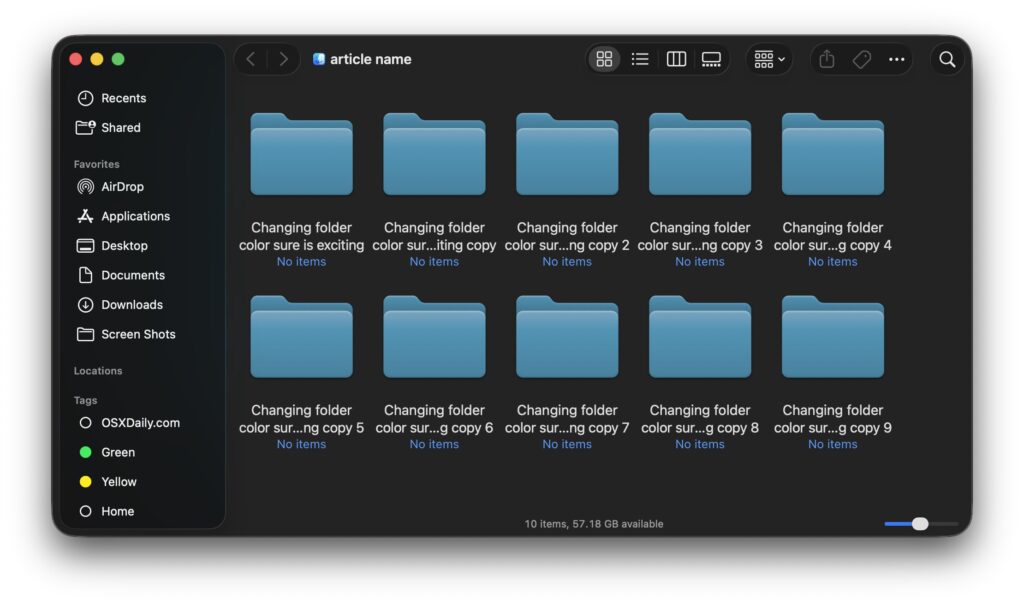
With macOS Tahoe 26 and newer, you can change and customize the color of your folders as seen within the Finder. This is a fun way to customize the look and feel of using your Mac, and yet it’s simple to implement.
There are a variety of interesting ways to customize the Liquid Glass appearance of your Mac with macOS Tahoe, and using custom folder colors can really set the personalization apart of your Mac.
Report Story



Recent Stories
-

Cache Concurrency Limiting in Laravel 12.53.0 laravel-news.com
-

Blaze: An Optimized Blade Template Compiler for Laravel laravel-news.com
-

Neuvillette Team Composition Guide In Genshin Impact gamerant.com
-

How to Mirror iPad on Mac, like iPhone Mirroring osxdaily.com
-
How to Use the WordPress Abilities API (Register & Execute) hongkiat.com
Leave Your Comment