How to Fix Error Code 36 in Mac OS X Finder osxdaily.com

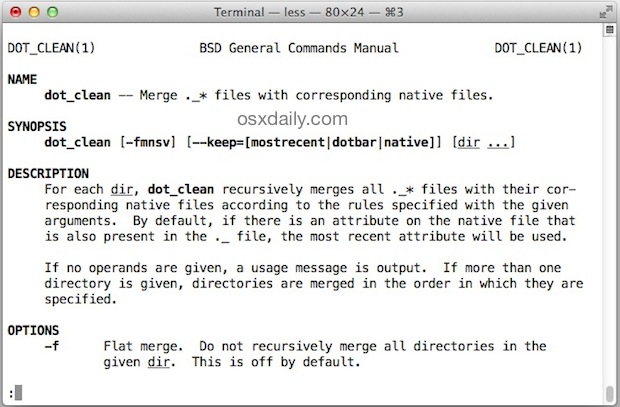
On some rare occasions when trying to copy files, Mac users may encounter “error code 36”, which completely halts the copy or move process in the Mac OS X Finder. The full error is usually read as “The Finder can’t complete the operation because some data in “FileName” can’t be read or written. (Error code -36)”. The filename is sometimes .DS_Store, but it can happen with just about any file on a Mac too.
Report Story


Recent Stories
-

Cache Concurrency Limiting in Laravel 12.53.0 laravel-news.com
-

Blaze: An Optimized Blade Template Compiler for Laravel laravel-news.com
-

Neuvillette Team Composition Guide In Genshin Impact gamerant.com
-

How to Mirror iPad on Mac, like iPhone Mirroring osxdaily.com
-
How to Use the WordPress Abilities API (Register & Execute) hongkiat.com
Leave Your Comment